


04Install it
Onsite Installation
Facilities ready. Networks perform.
Talk to an installation specialistTurnkey installation for central offices, headends, data centers, colocation sites and customer network facilities, built correctly and ready to scale.
- Model
- Engineer, furnish and install (EF&I)
- Sites
- COs, headends, data centers, colocation
- Platforms
- All major OEMs
- Delivered as
- Ready for service, QA/QC-verified
Inside an install
An empty frame to ready for service.
- 01 · Engineer
The plan comes first.
Engineering and site design for the facility and the equipment going in.
- 02 · Furnish
Material, staged and delivered.
We source, stage and deliver the material, so the crew arrives with everything it needs.
- 03 · Install
Rack and stack.
Transport and core network equipment, and DC power systems: battery plants, rectifiers and power distribution.
- 04 · Install
Power, fiber and cabling.
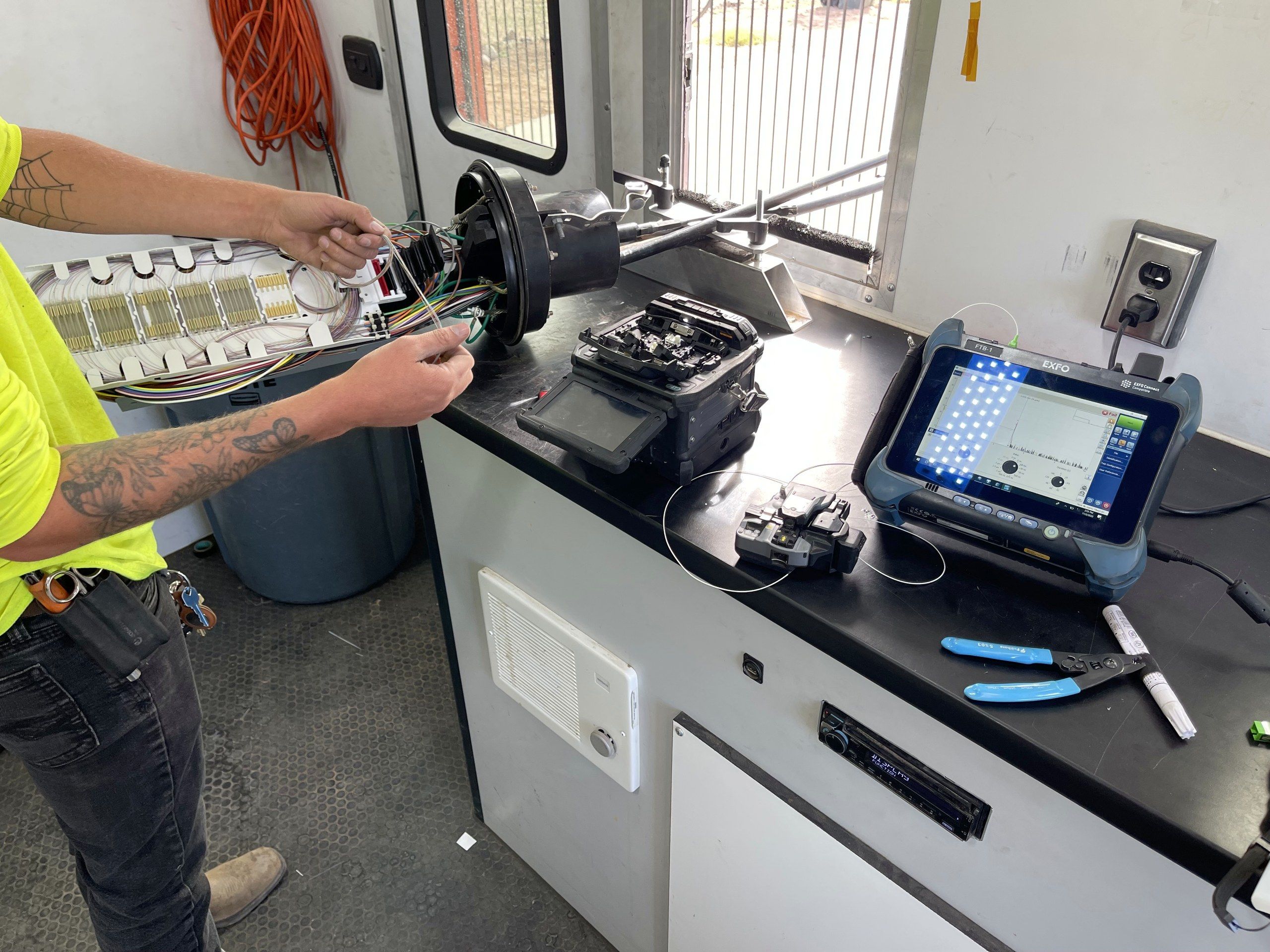
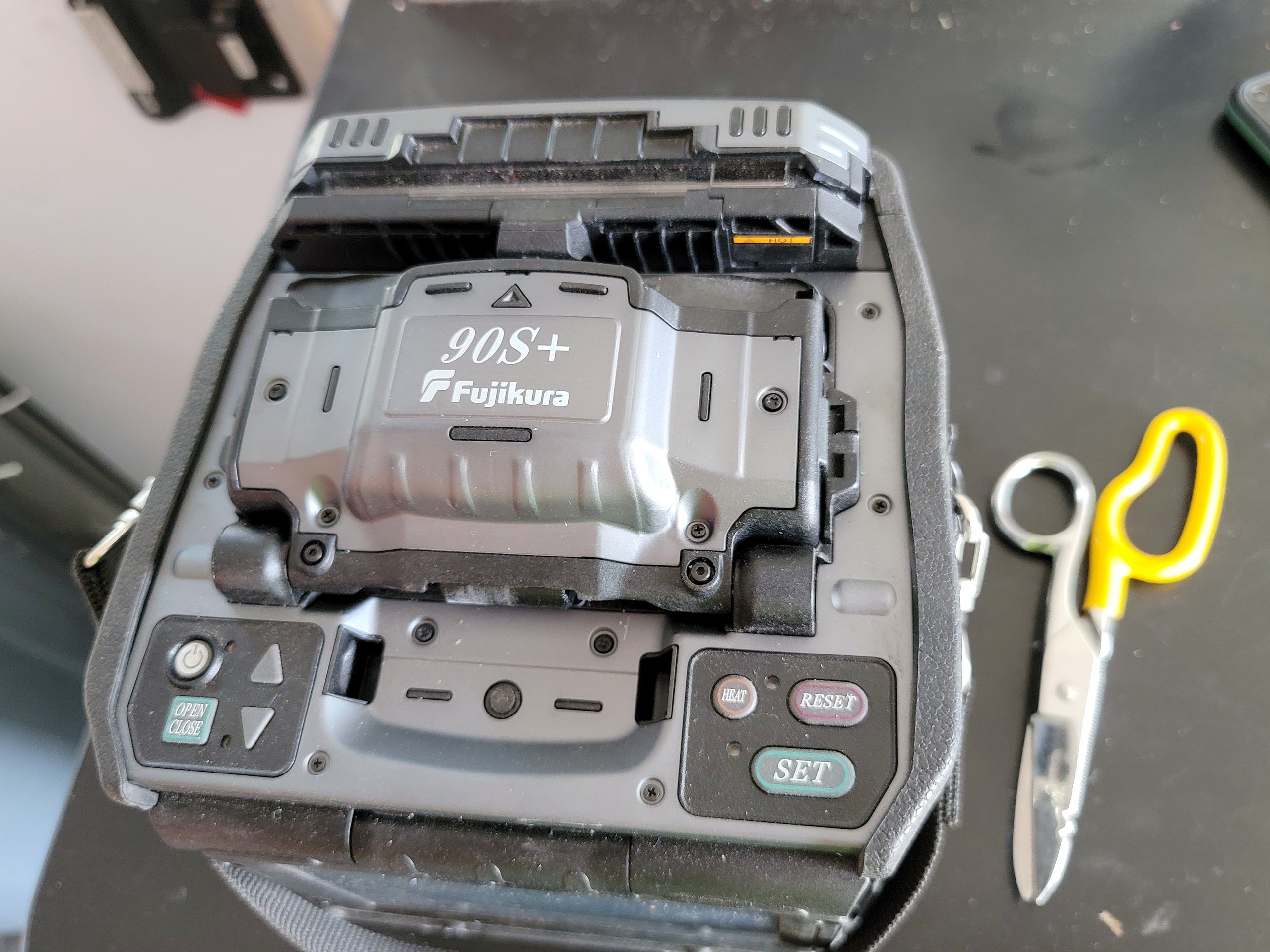
Fiber termination, splicing and inside plant cabling, plus structured cabling in CAT6, coax and fiber.
- 05 · Turn up
Tested and ready for service.
Network integration, testing and turn-up, checked by QA/QC so the facility performs as intended on day one.
Ready for service · QA/QC verified
Have racks to build out?Tell us about the site
2025, by the numbers
- 175Central offices, data centers and cabinets equipped
- 4,000+Legacy network devices decommissioned
- 300+Rack, power and fiber builds completed
What we do
Turnkey facility engineering, furnish and install.
Standardized installation across network facility environments, to telecom, utility and data center standards.
- Engineering and site design
- Rack and stack of network equipment
- Data center and central office builds
- DC power systems: battery plants, rectifiers, power distribution
- Transport and core network equipment installation
- Fiber termination, splicing and inside plant cabling
- Structured cabling (CAT6, coax, fiber)
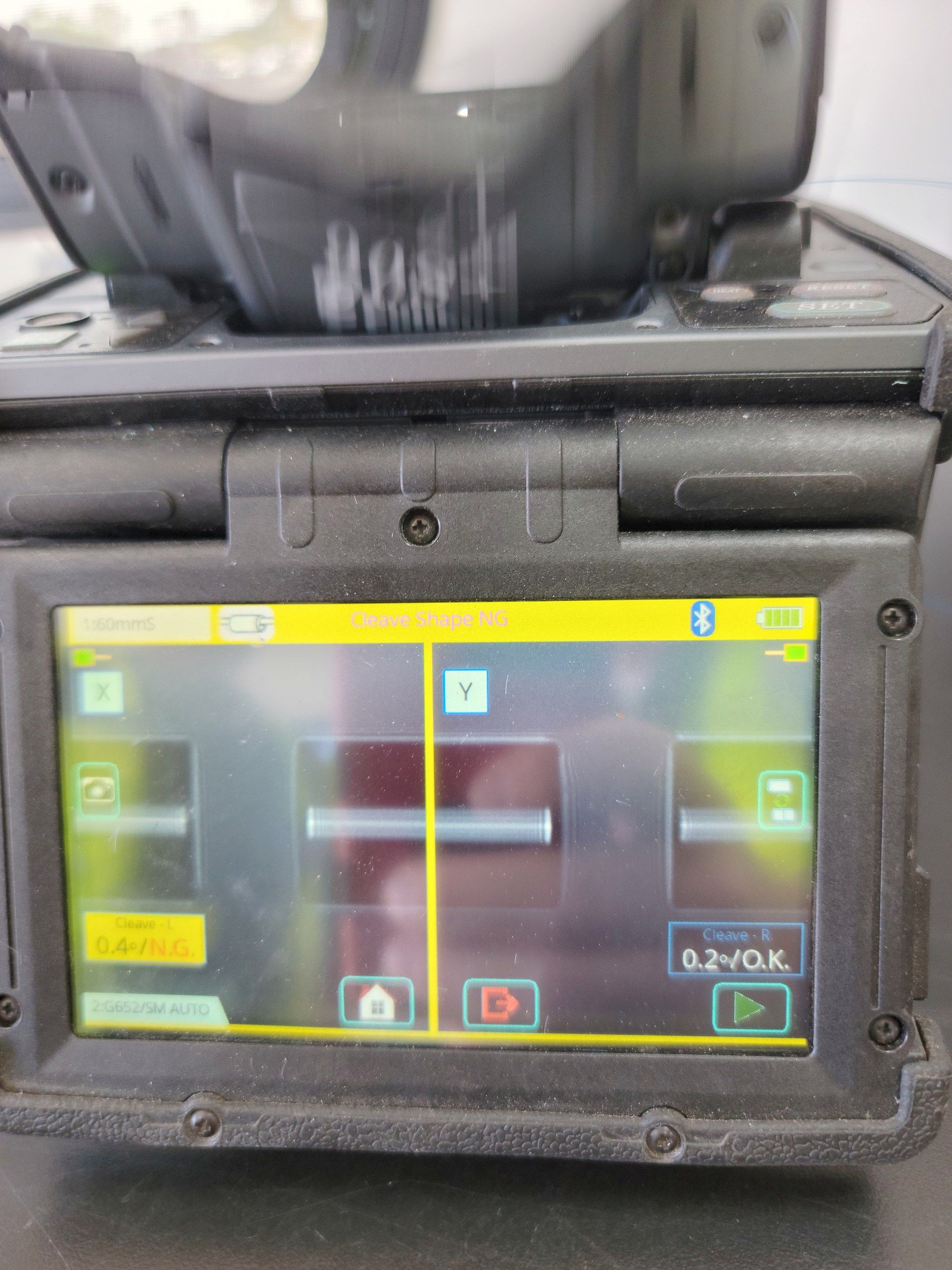
- Network integration, testing and turn-up
- Equipment decommissioning and audits
- Quality assurance and quality control (QA/QC)
One partner, three scopes
Engineer. Furnish. Install. Ready for service.
Full lifecycle support, so the facility meets industry standards, security requirements and uptime expectations on day one.
- 01 · Engineer
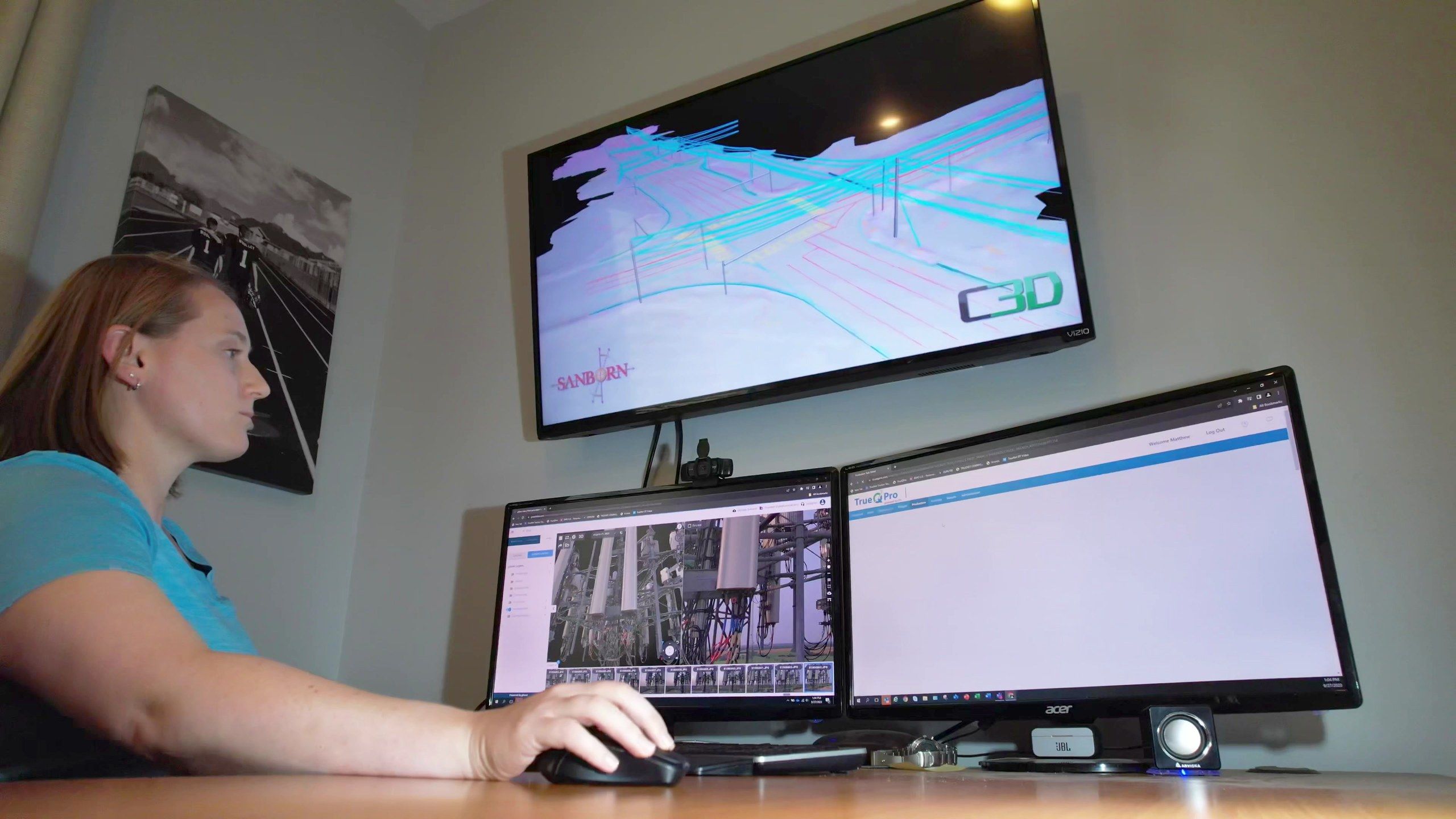
Site design
Engineering and site design for the facility and the equipment going in.
- 02 · Furnish
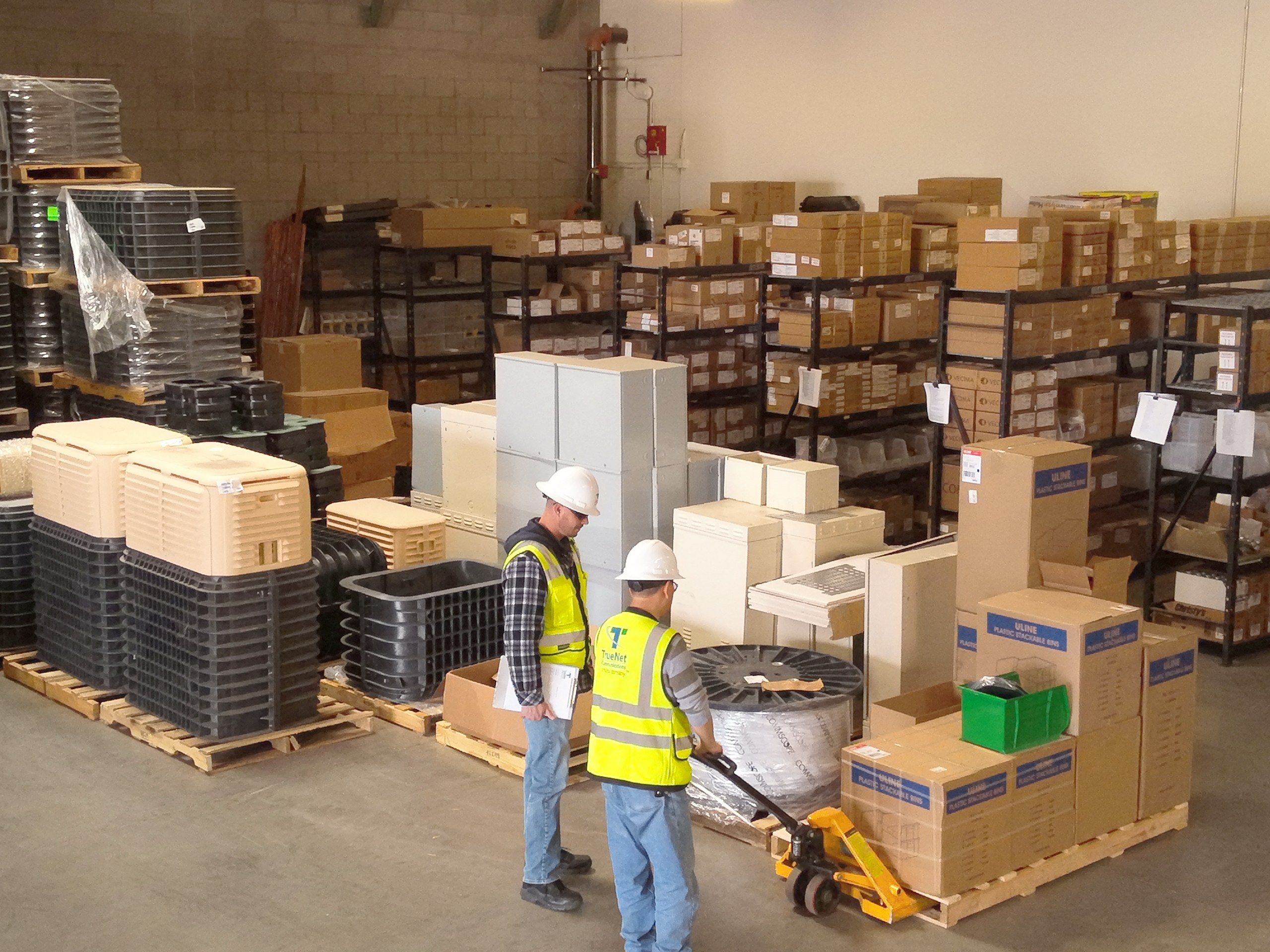
Material
We source, stage and deliver the material, so the crew arrives with everything it needs.
- 03 · Install
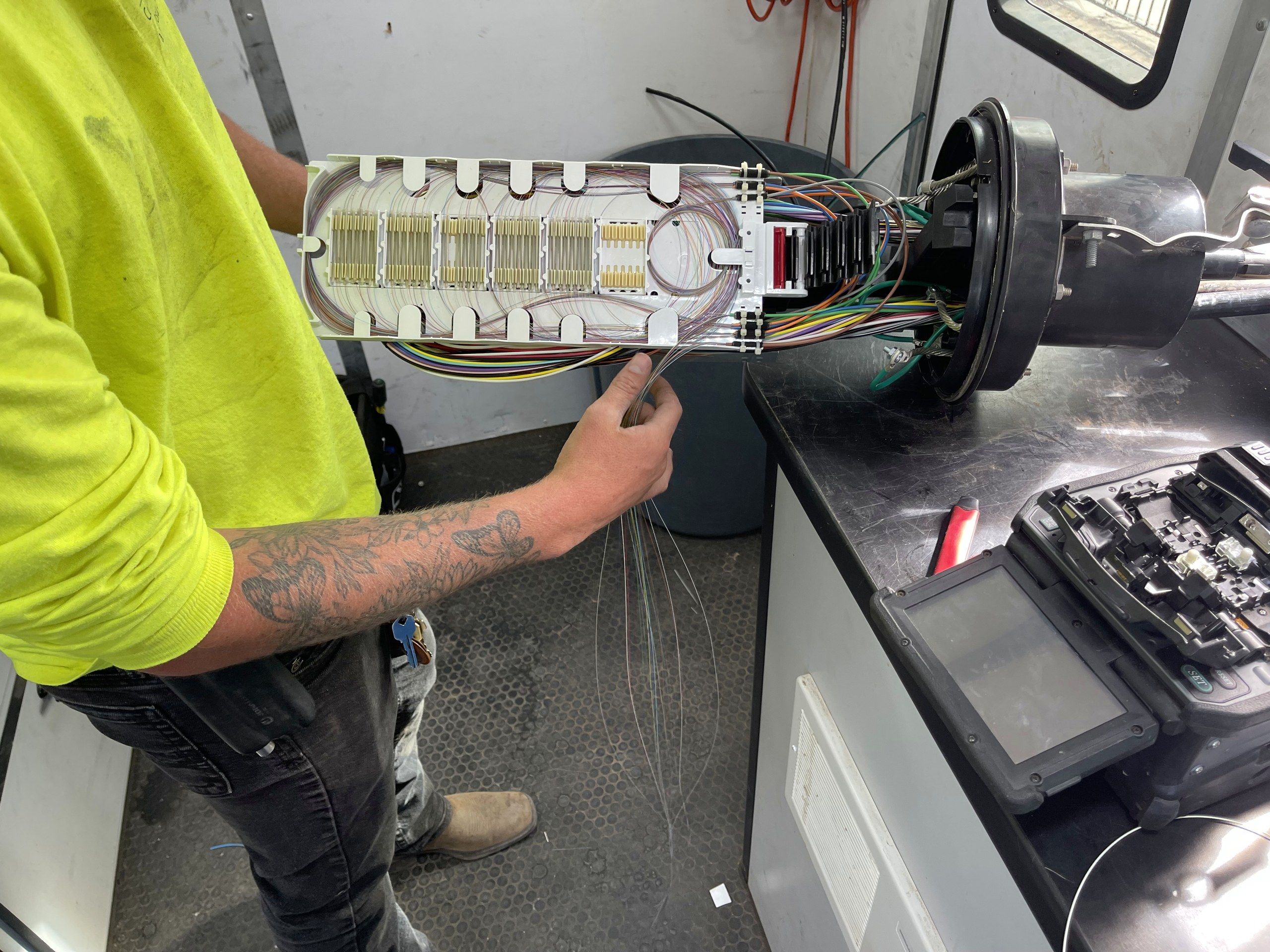
Build and turn up
Rack and stack, power, fiber and cabling, then integration, testing and turn-up.
Inside the rooms we build
From the warehouse to the rack.
Why TrueNet onsite installation
Less risk in critical network environments.
Certified technicians, standardized processes and QA/QC-driven delivery, so facilities are installed correctly and perform as intended.
Customers choose TrueNet for a true turnkey onsite installation partner that can coordinate engineering, furnish, installation, and integration while maintaining schedule, quality, and accountability across multi-market programs.
Problems we solve
Facilities online, predictably.
For ISPs, hyperscalers, telecom operators and infrastructure partners preparing facilities for installation and activation.
- 01
Environments not ready for equipment installation
- 02
Multiple vendors across facility scopes
- 03
Risk during installation and turn-up
- 04
Uptime, security and compliance requirements
- 05
Scaling facility work across markets
Facing one of these now? Tell us about the facility